

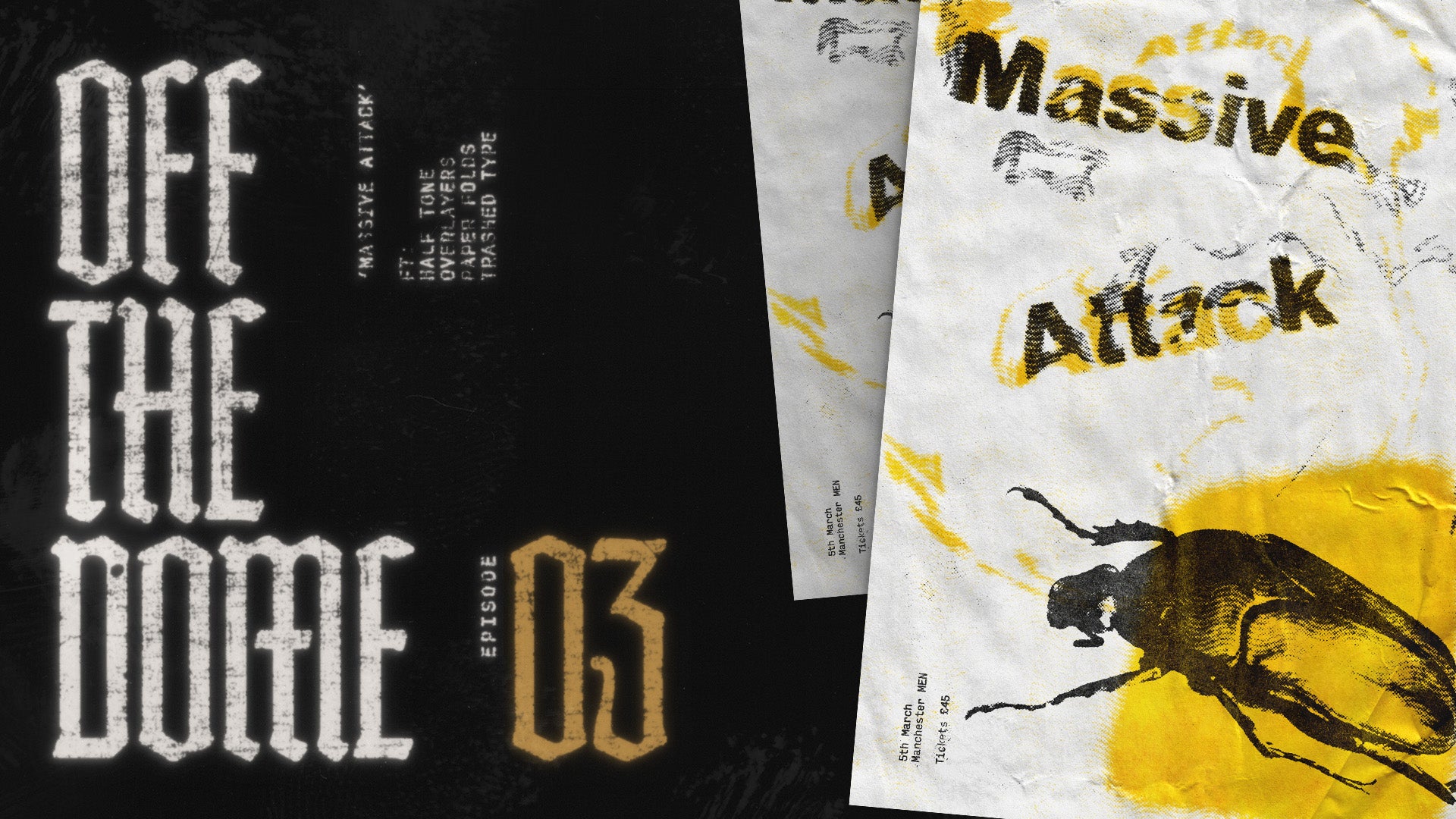
Off the dome - ep. 03
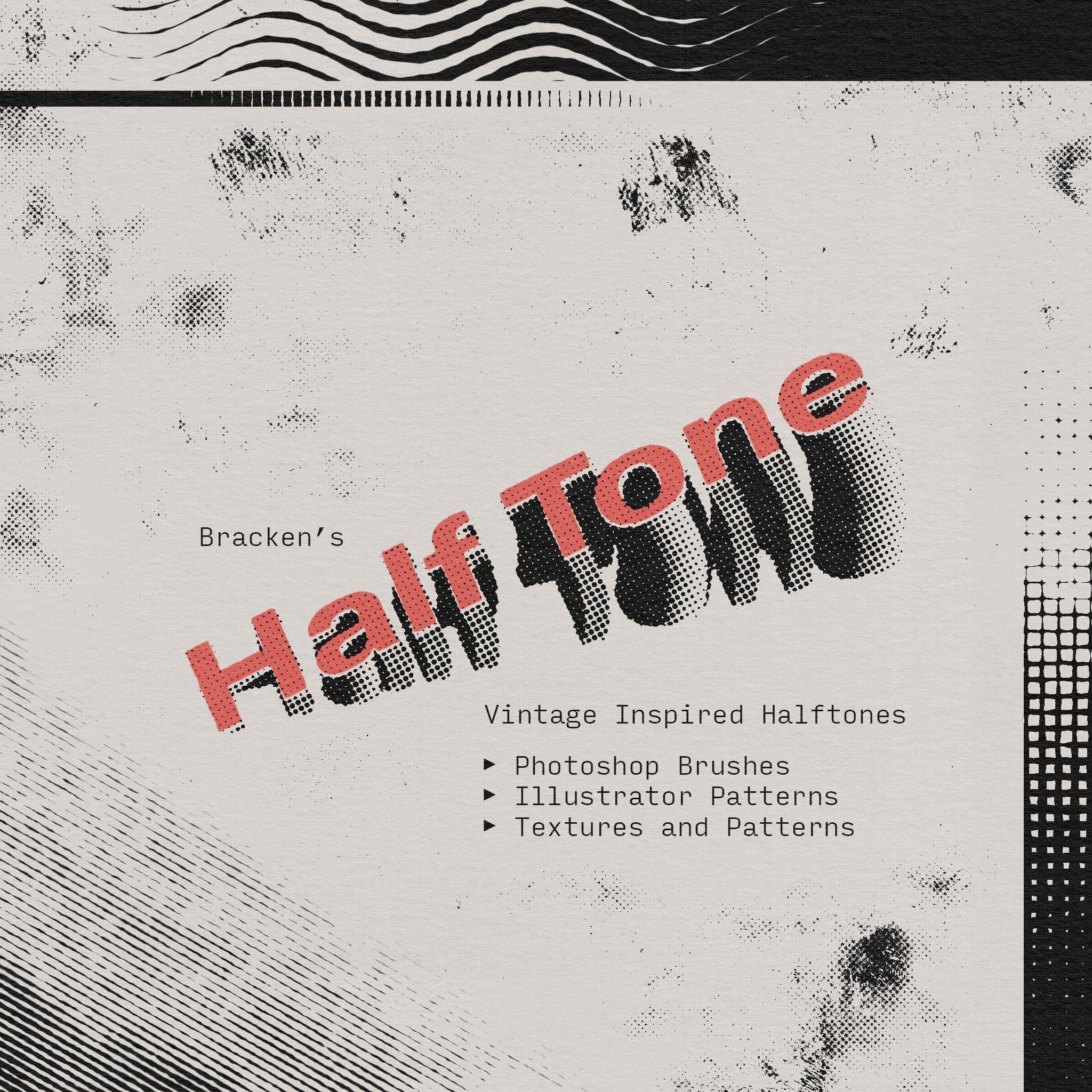
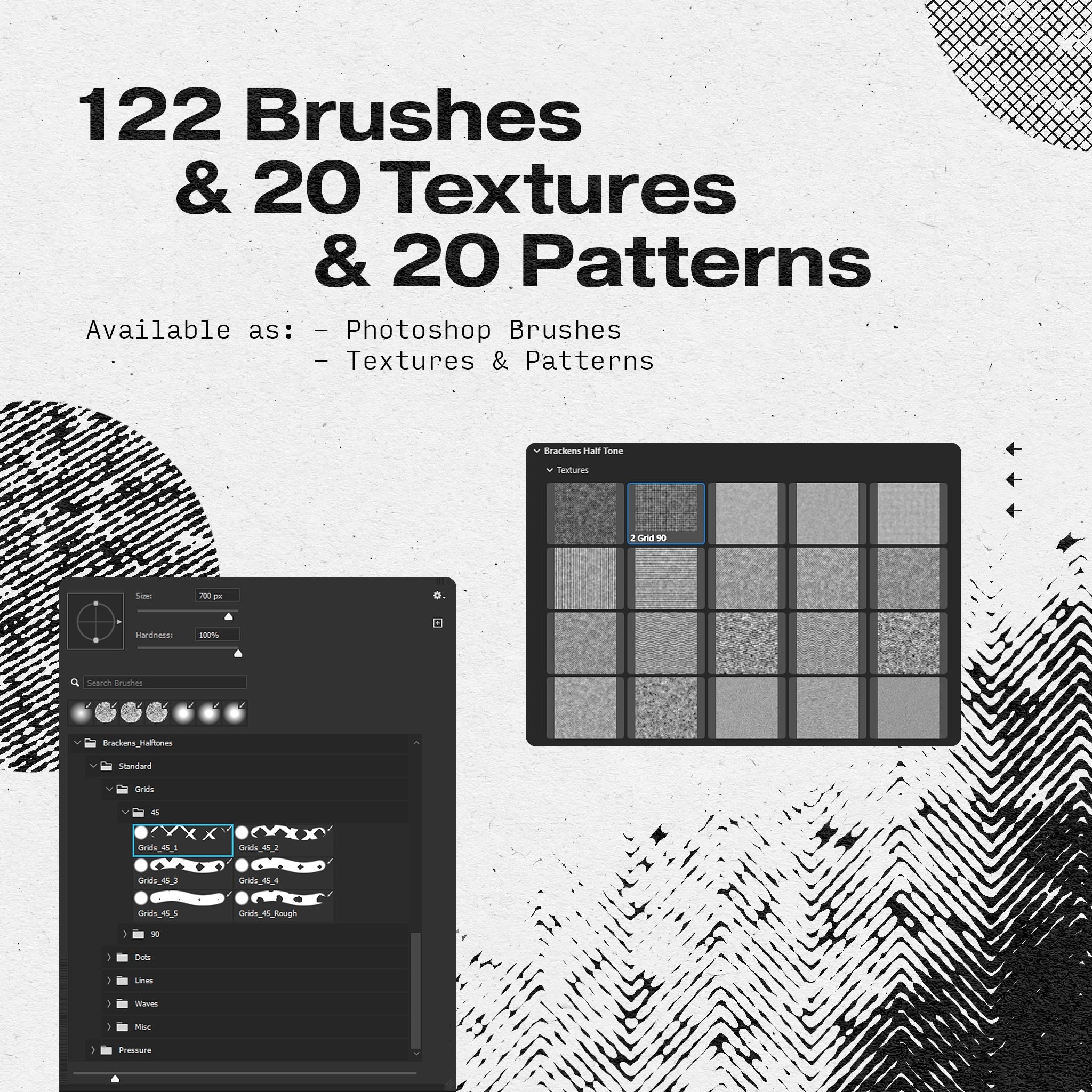
Follow along with these products:

↓ Top Tips from the session ↓
01
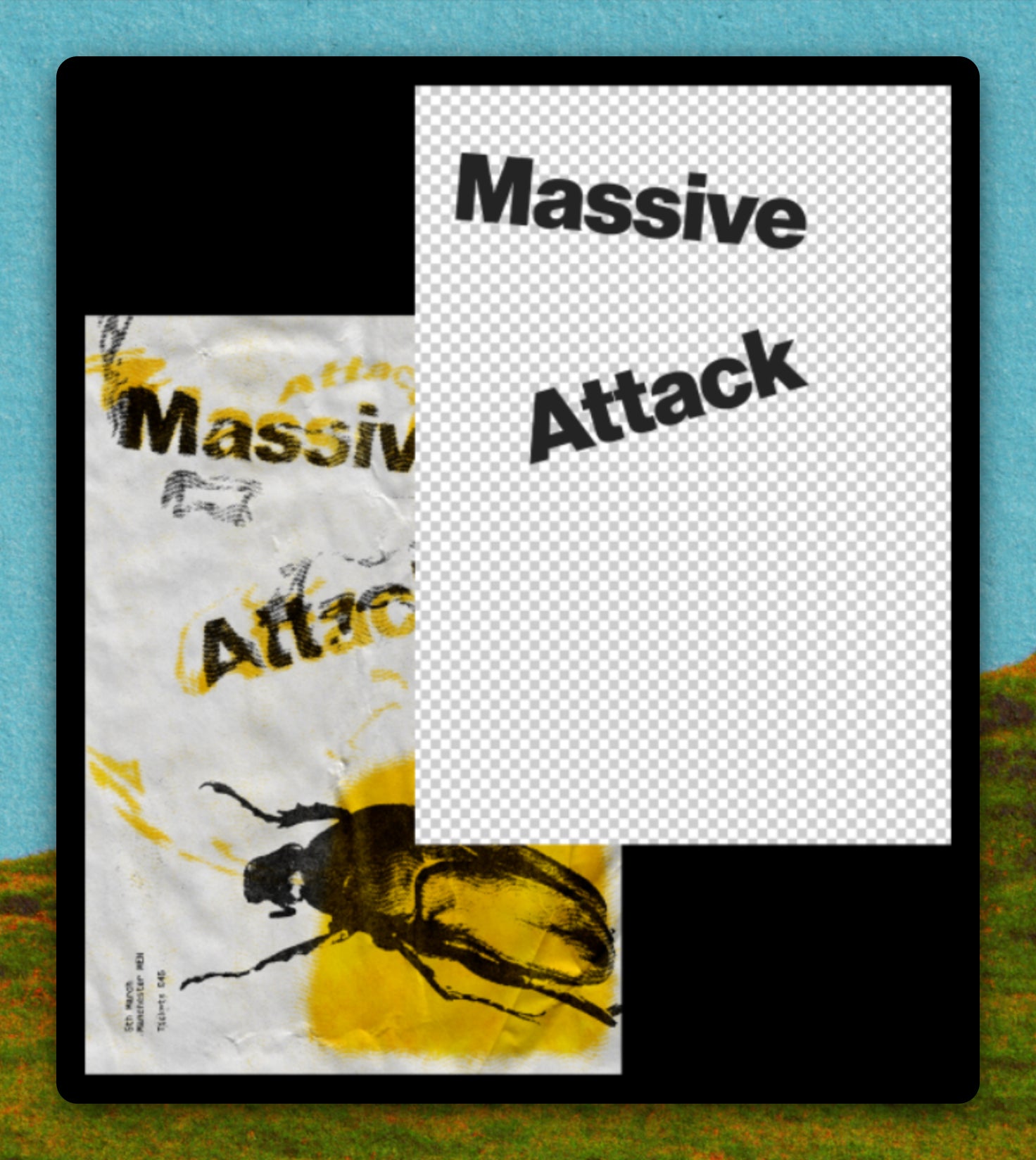
Smarter Smart Objects
Don't get caught out with weird bounding boxes. Create a smart object the same size as the artboard and you won't get clipping issues when you edit inside it later.
02
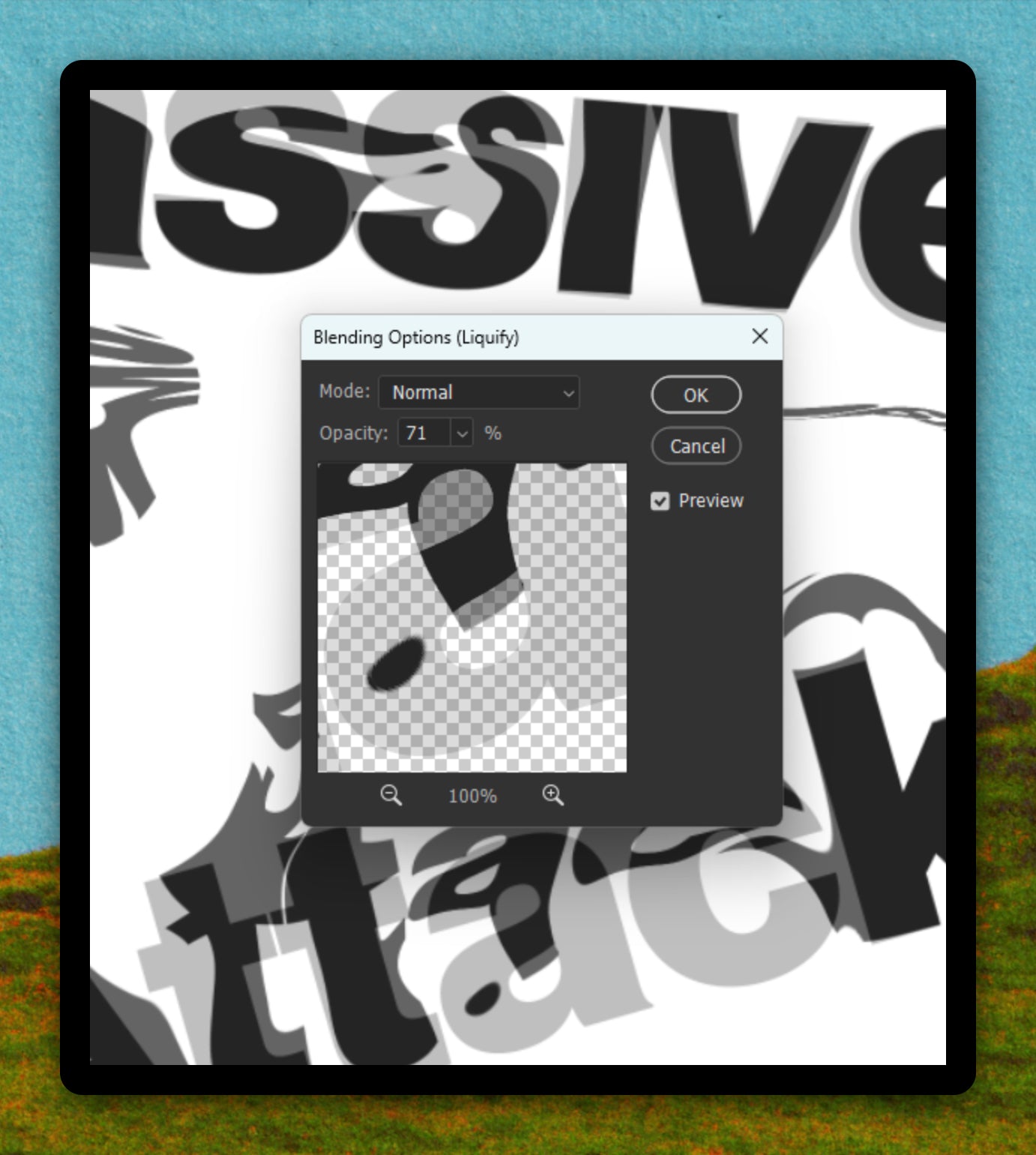
Faded Filters
You can reduce the opacity of individual smart filters in the panel. Dropping the Liquify to 50% gives you across between your clean and distorted type.
03
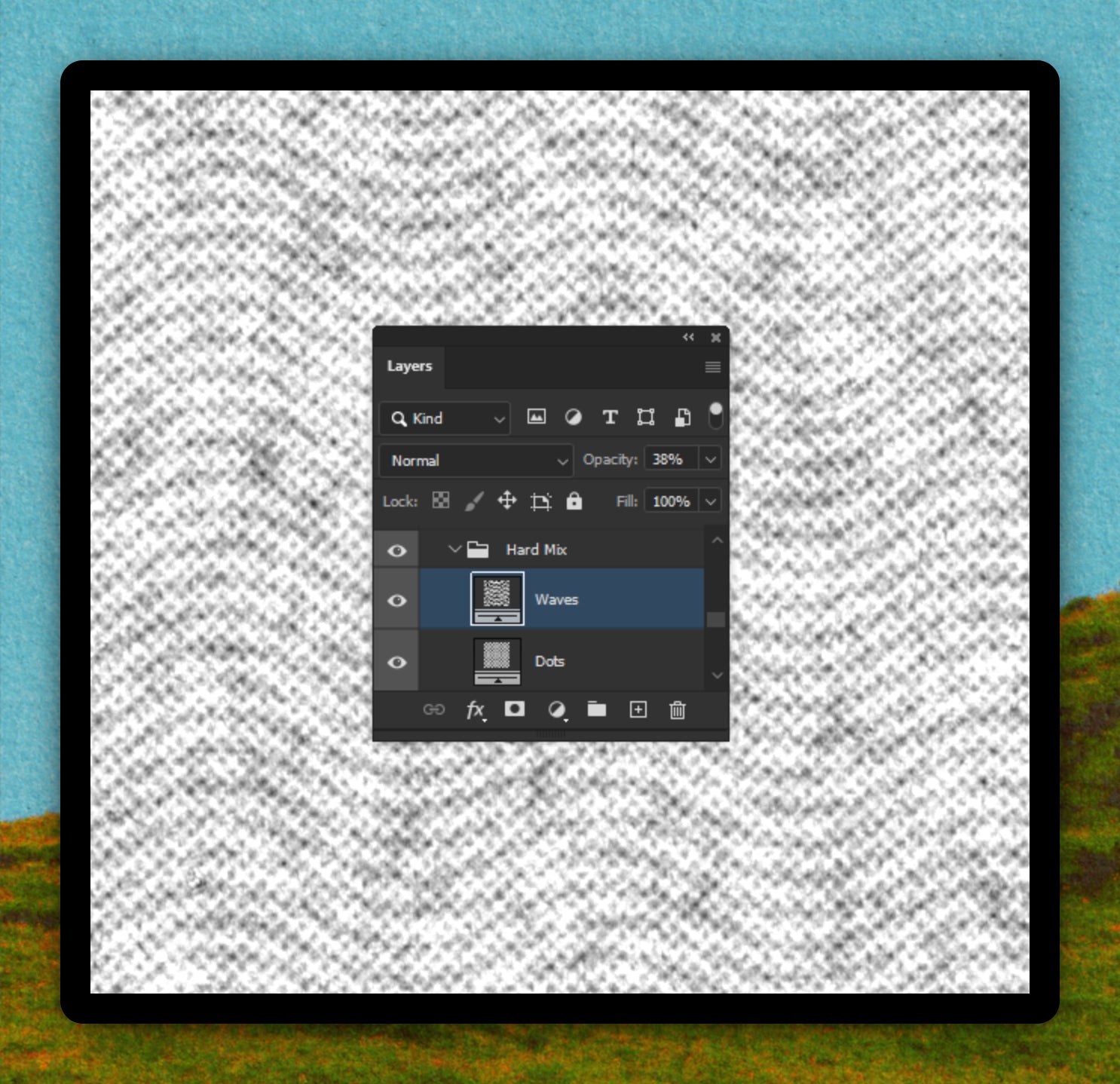
Crazy Halftones
Instead of one halftone layer on Hard Mix, put several different patterns (dots, lines, waves) inside a single 'Hard Mix' group at varying opacities.
04
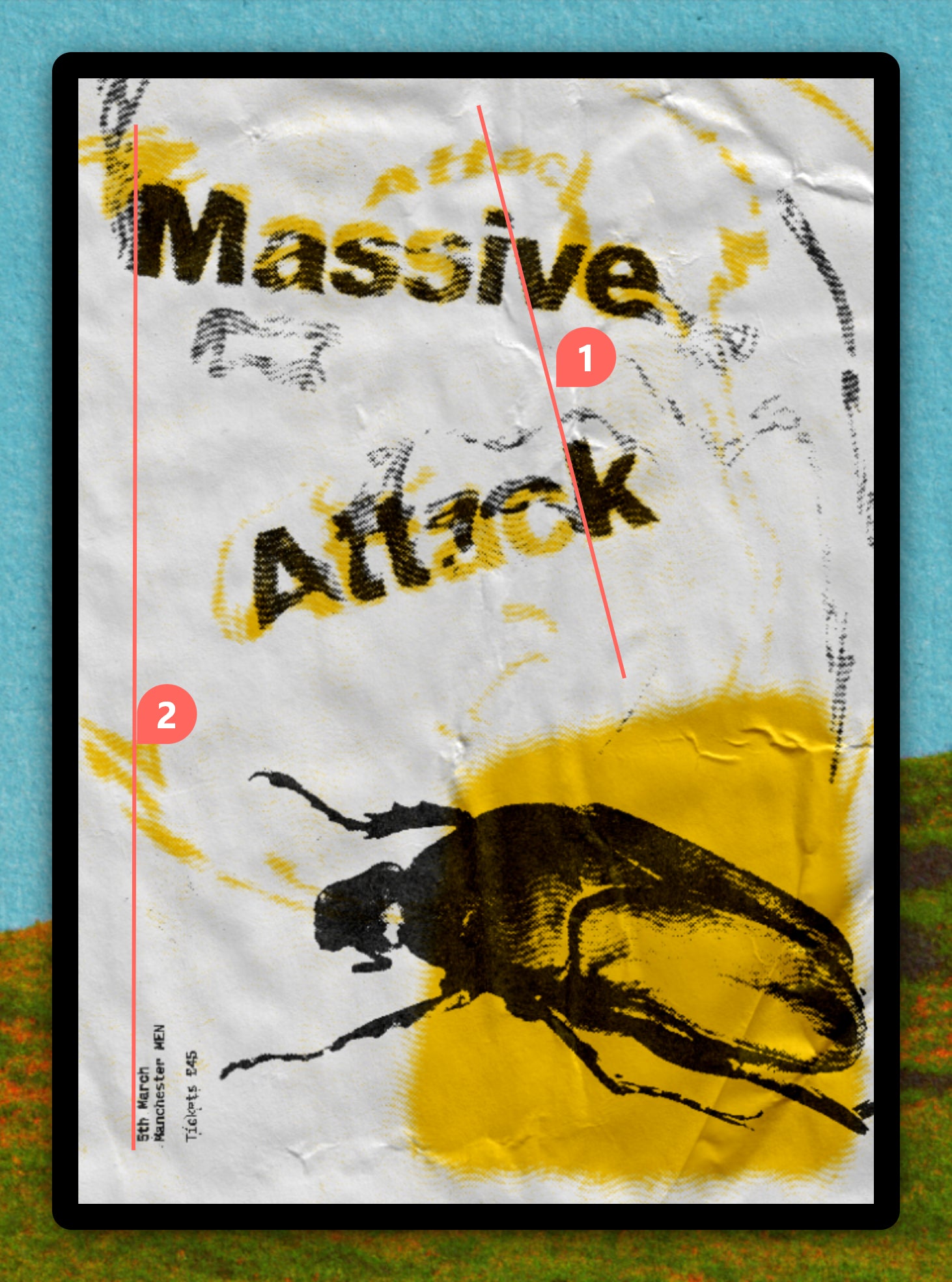
Calm in the Chaos
Even when designing in a loose layout, having just 2 or three things line up acts a visual anchor, holding the piece together.
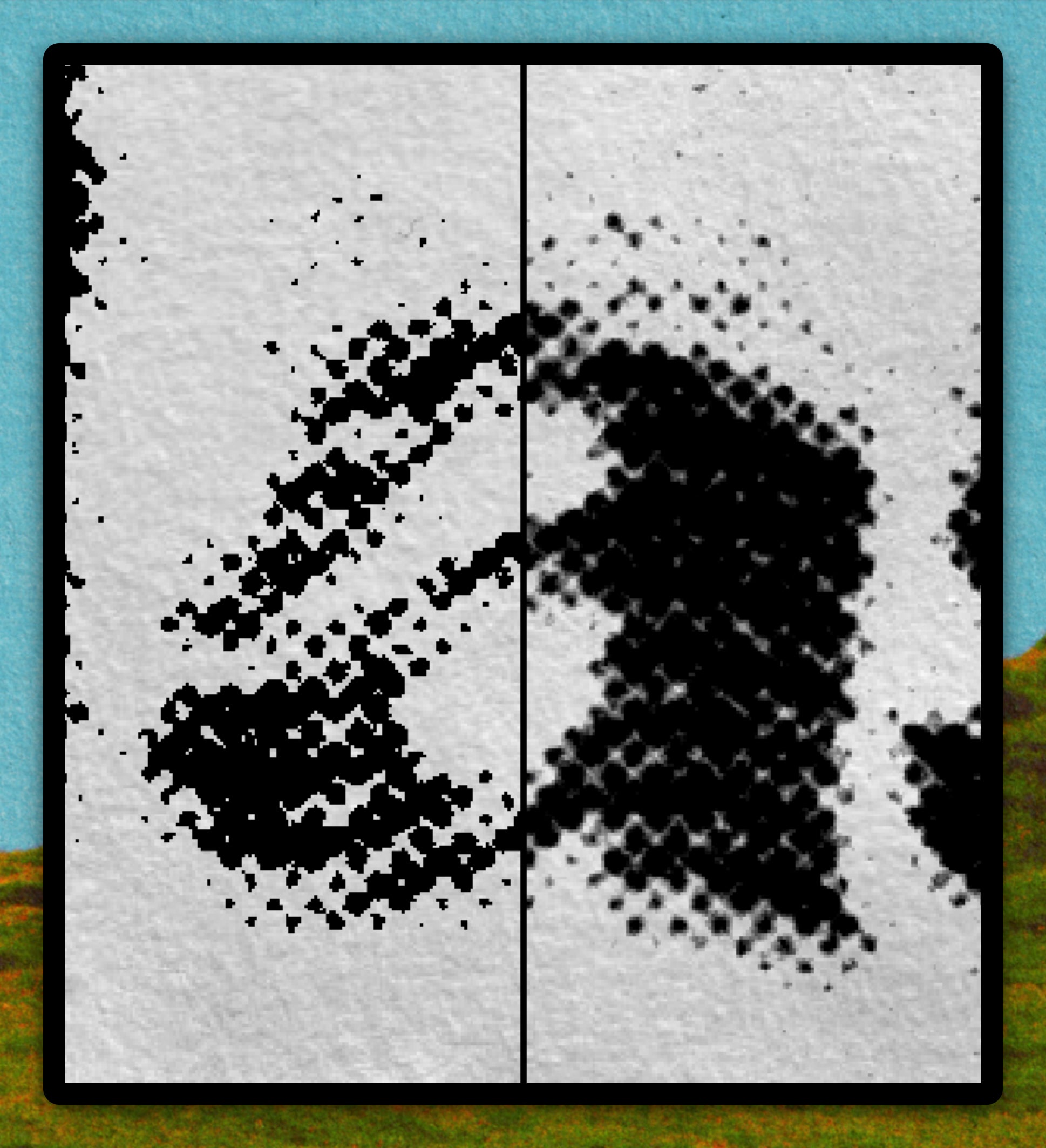
05
Not-so-Hard Mix
Reducing the fill on Hard Mix adds more grey values, softening the otherwise harsh 'threshold' look. Dead nice for halftones.
More sir?
