

Off the dome - ep. 04
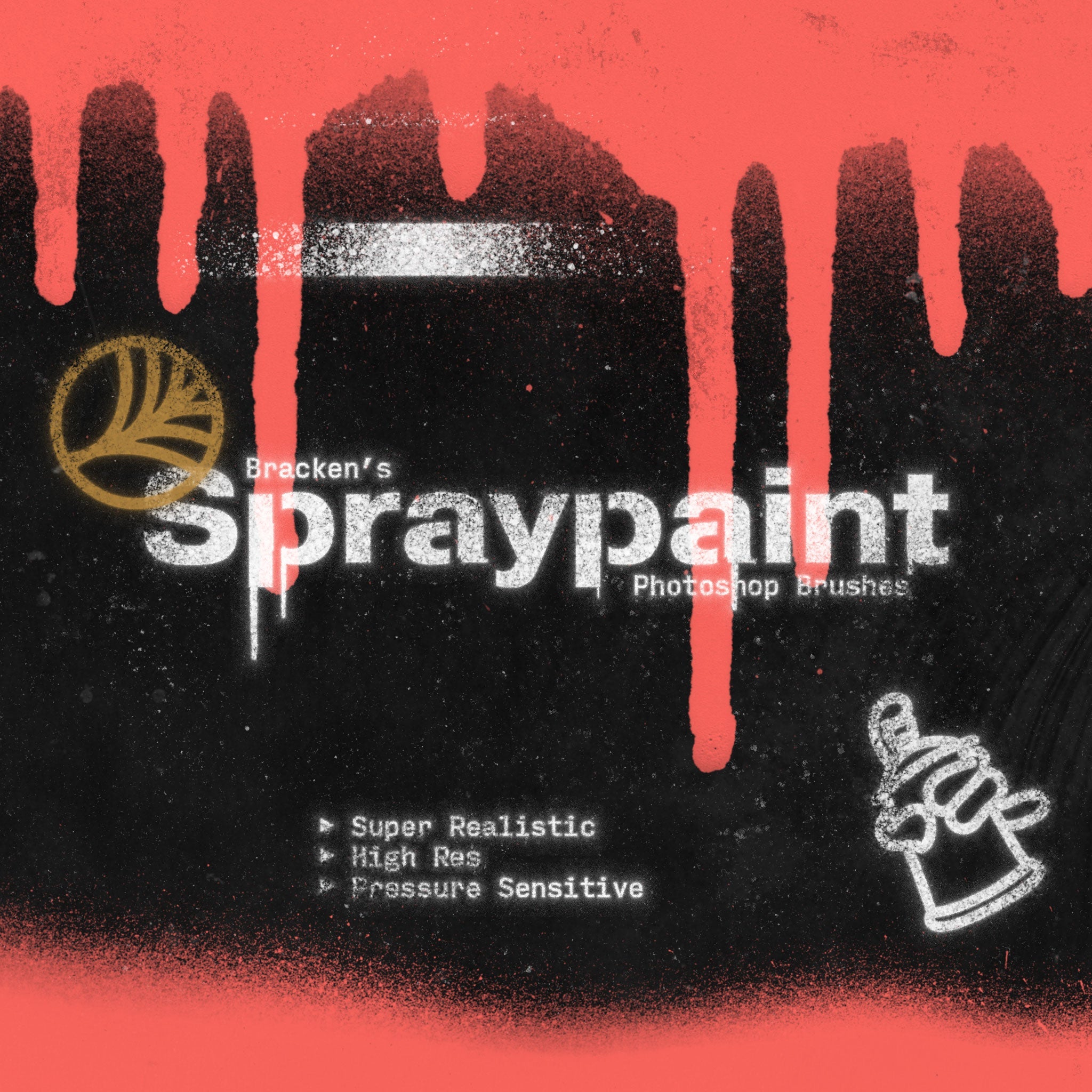
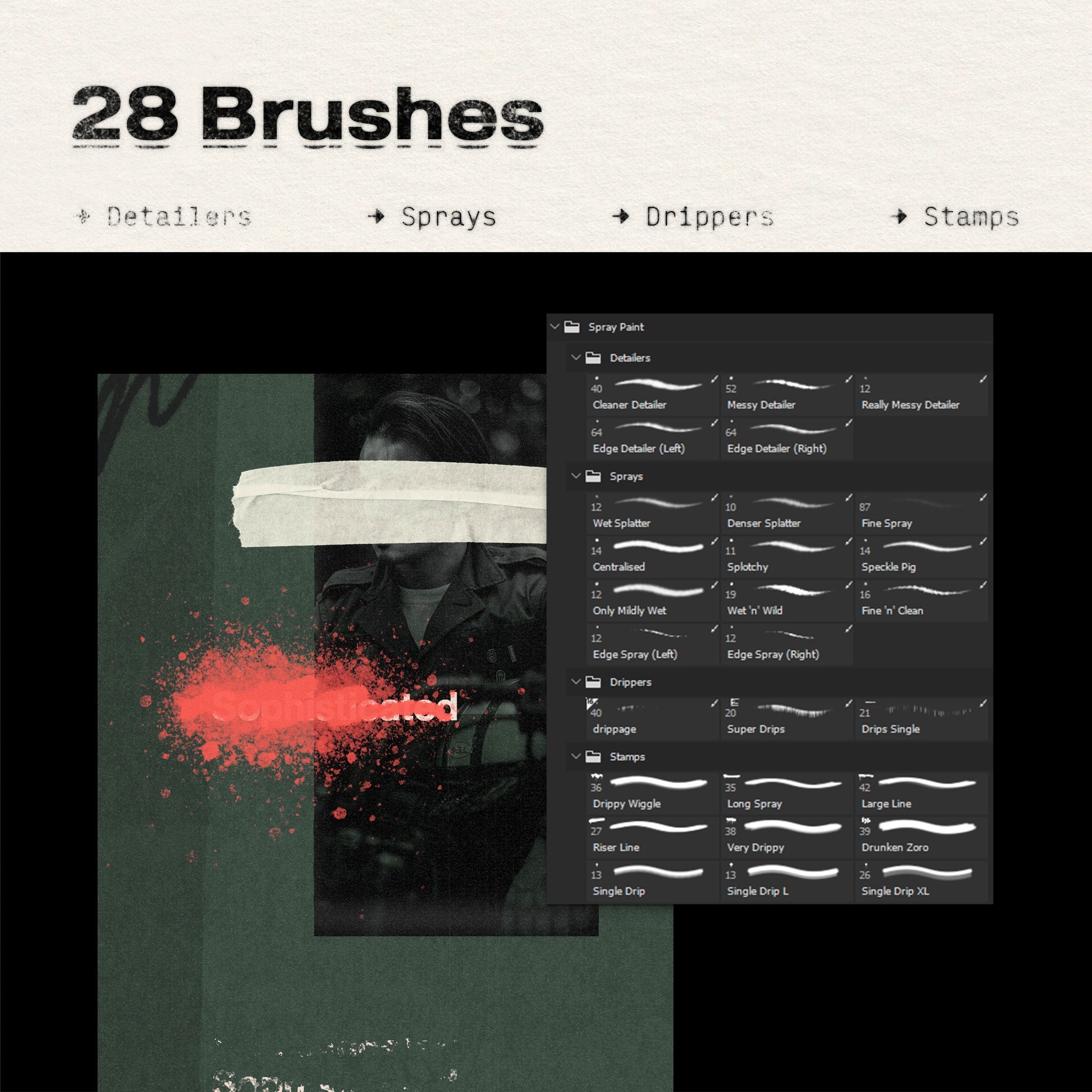
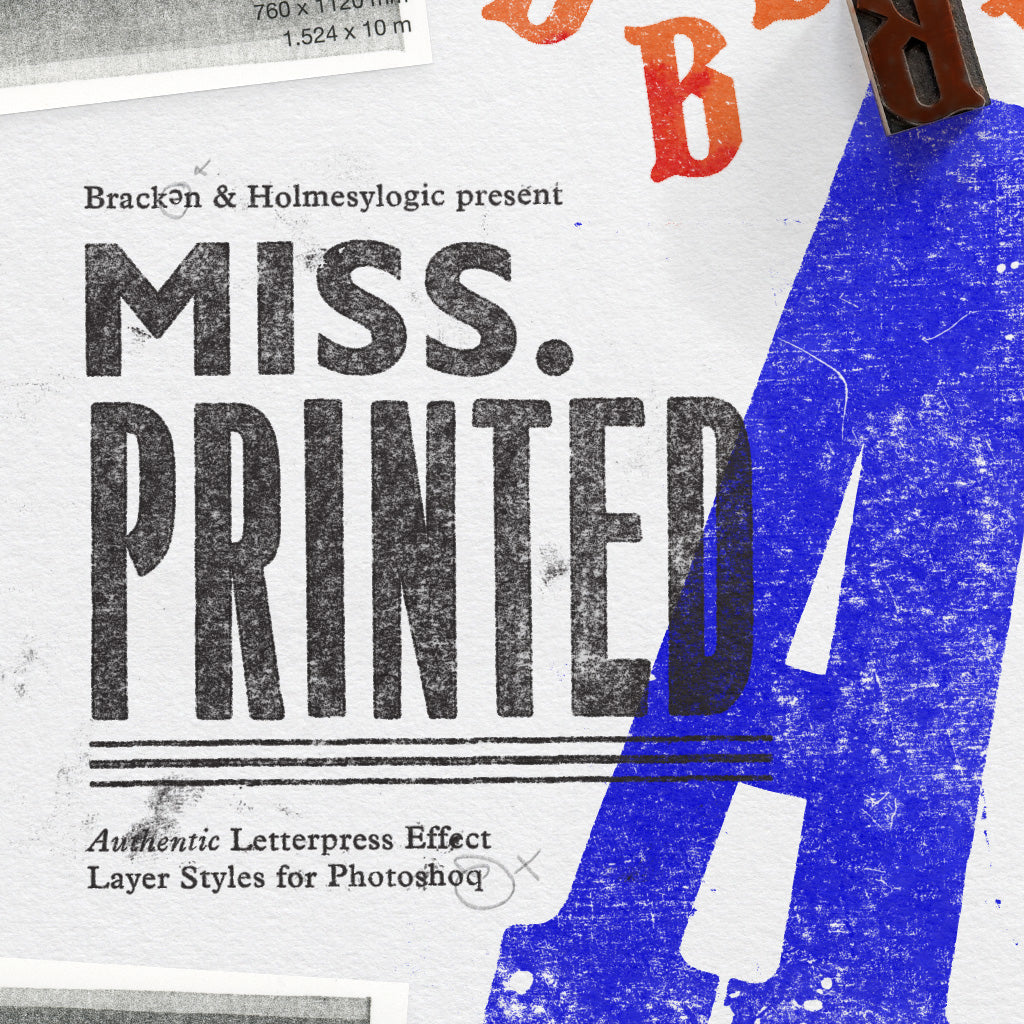
Follow along with these products:

↓ Top Tips from the session ↓
01
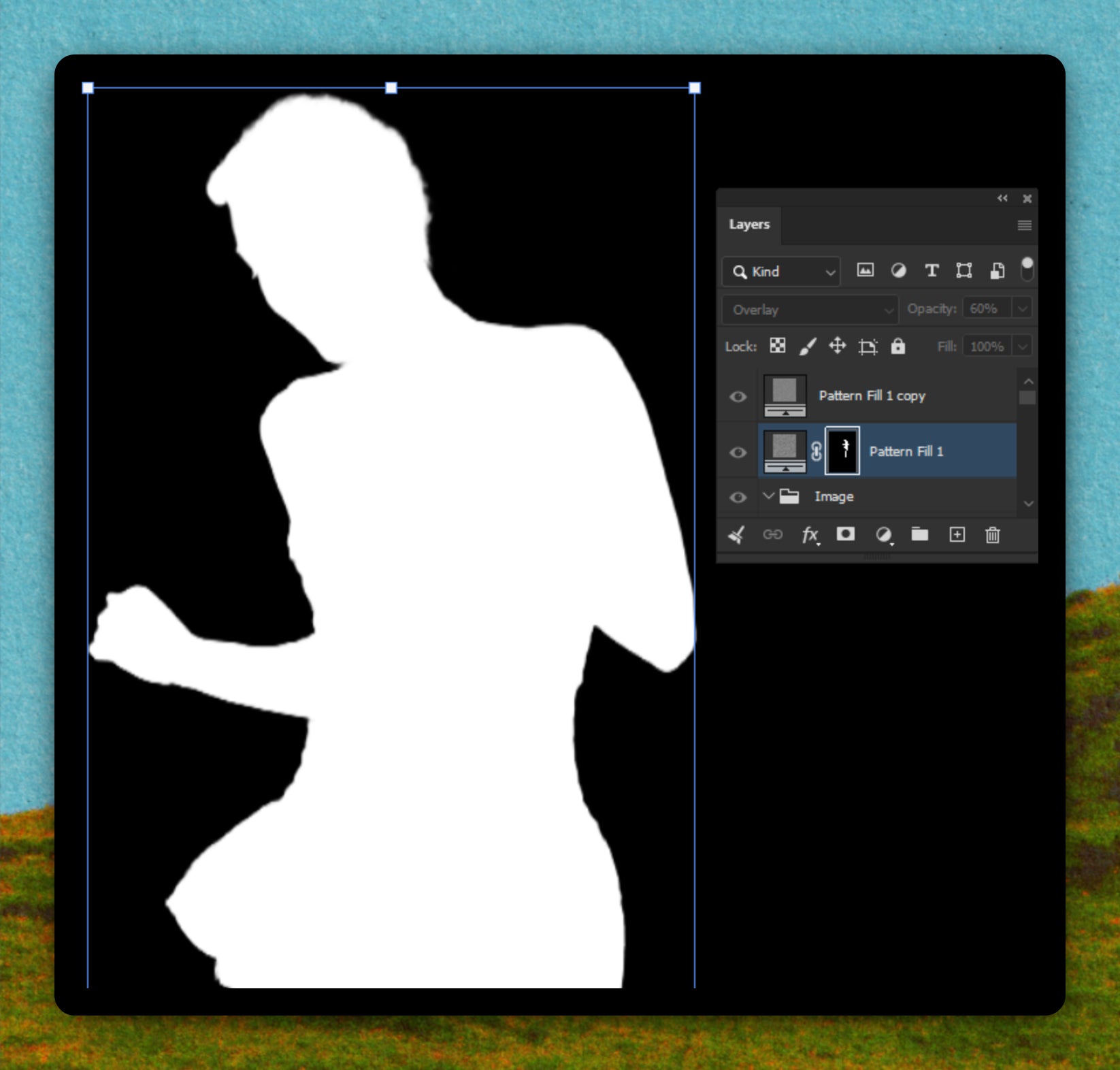
Mask Inspection
Alt-click a layer mask thumbnail to view the raw black and white mask and catch any nasties or gaps.
02
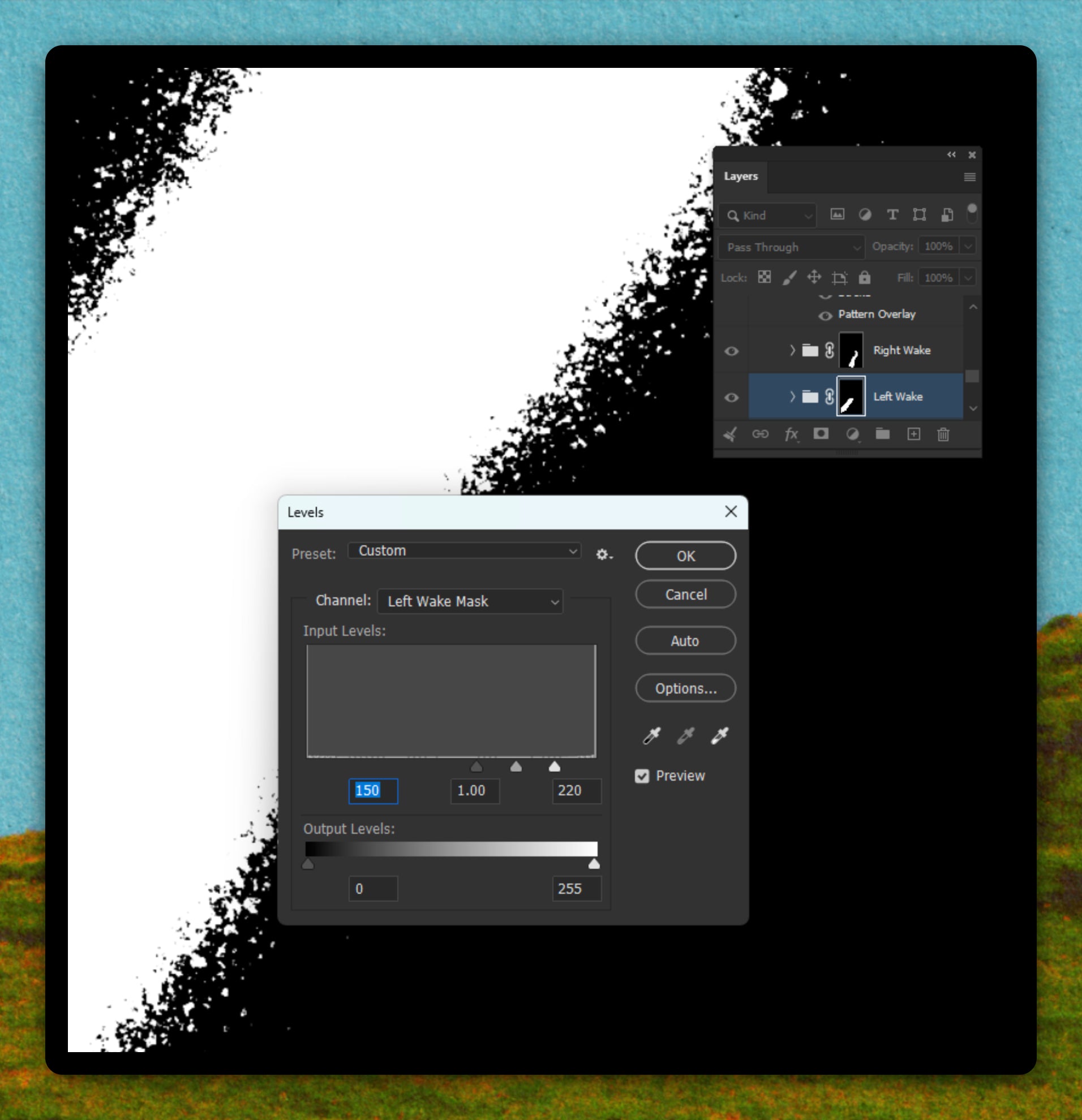
Levels inside a mask
With a mask selected, Ctrl/Cmd + L opens Levels, letting you crunch soft grey values into clean hard edges without having to edit or redraw.
03
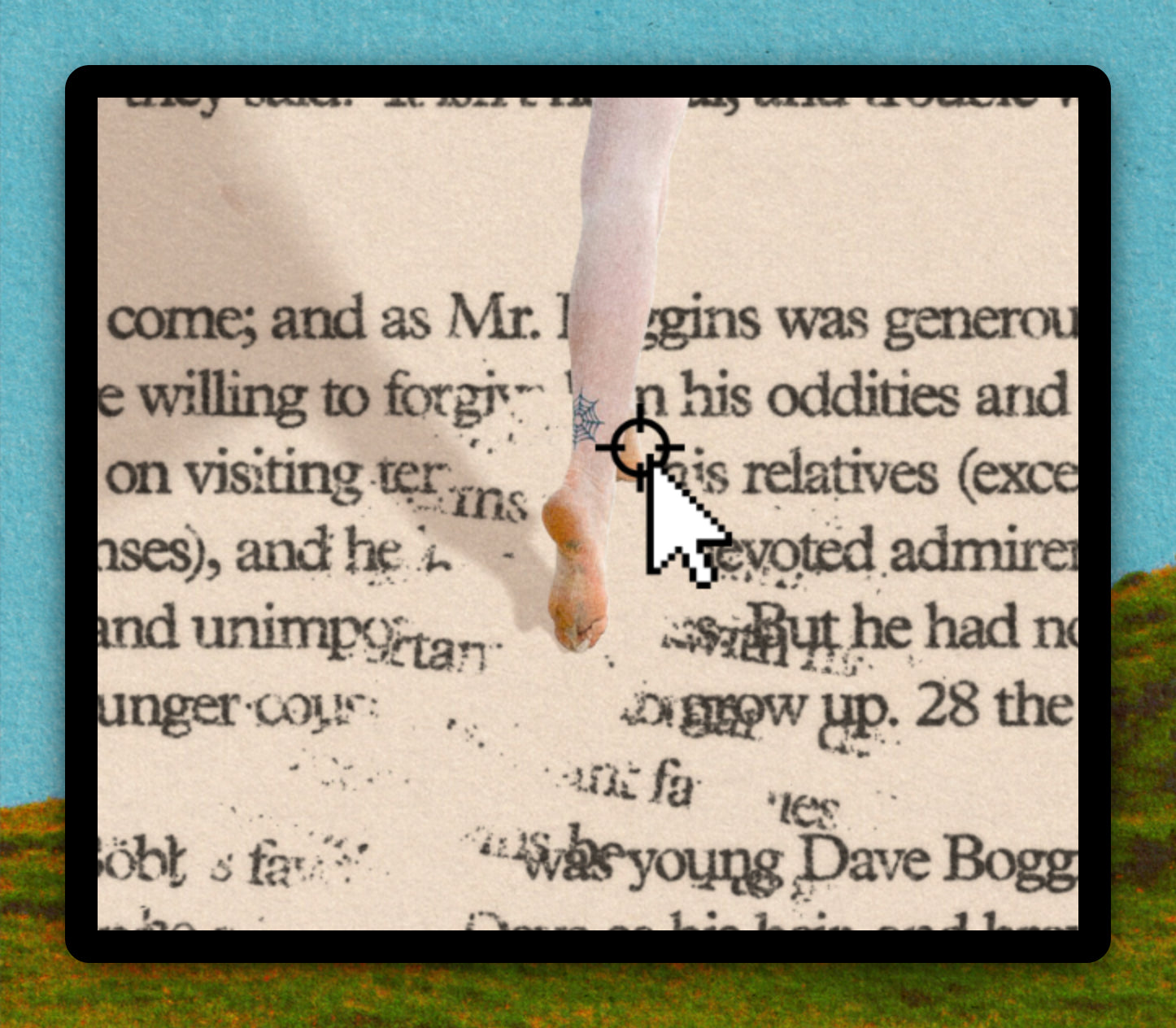
Drop the Anchors
Inside Free Transform, hold Alt and drag to reposition the anchor point before rotating, giving you precise control over how and where a layer pivots.
04
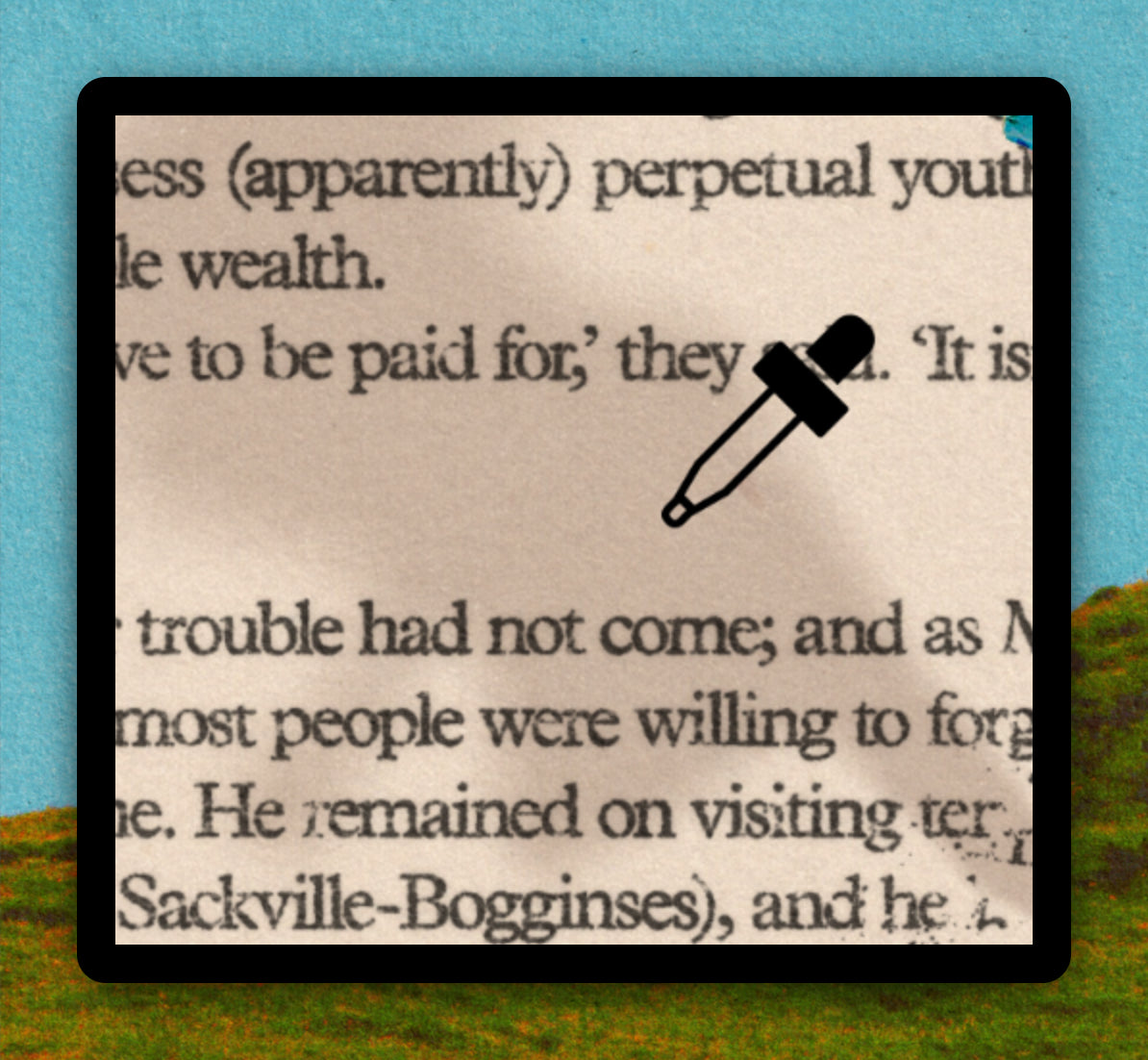
Tinting shadows
Add a Hue/Saturation adjustment with 'Colorize' enabled, then set the layer to Multiply to push a shadow away from flat black toward a believable warm or ambient tone.
05
Layer clean up
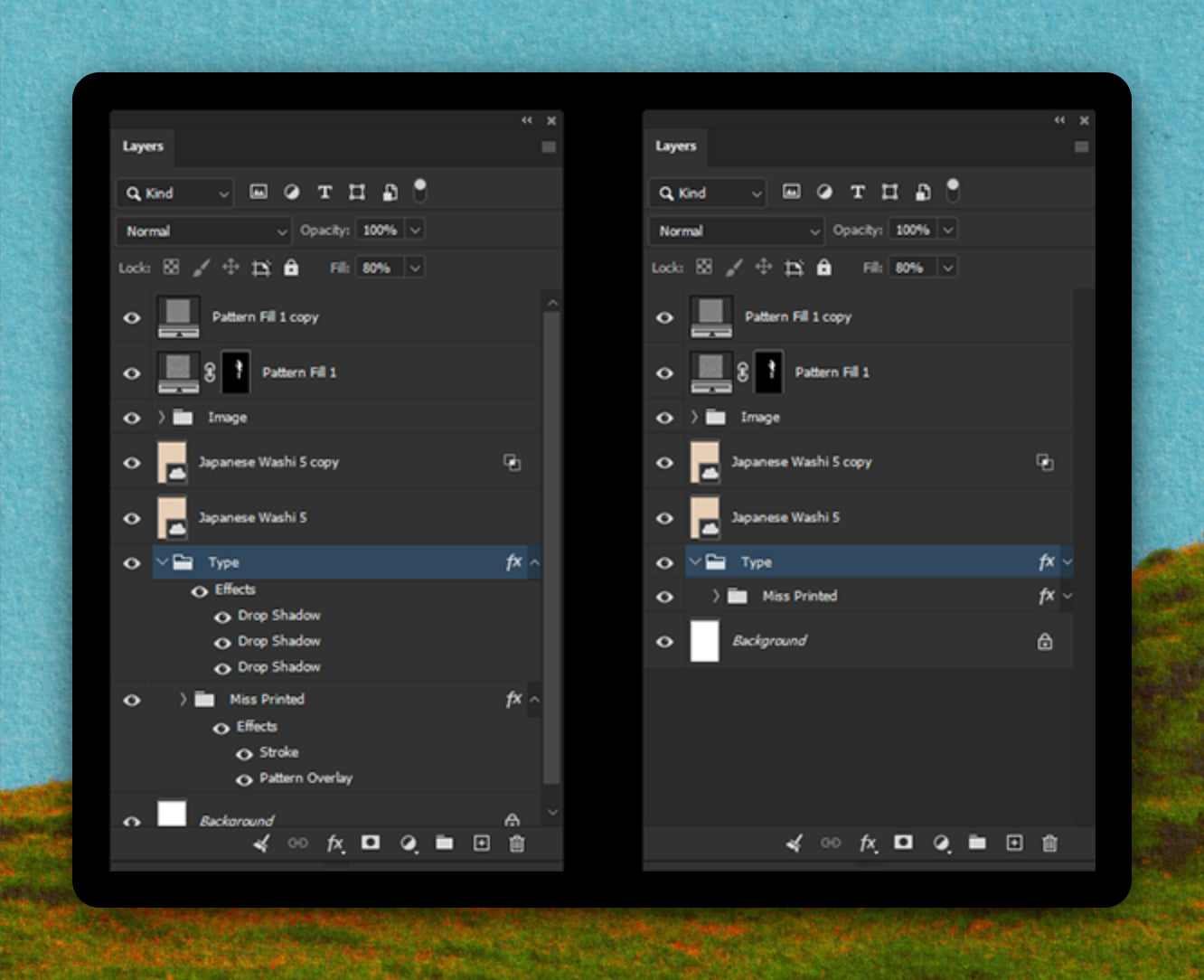
Click the arrow next to the 'FX' badge on a layer to collapse its style list without disabling any effects, keeping deep layer stacks readable when you're multiple effects deep.
More sir?

Inspired by
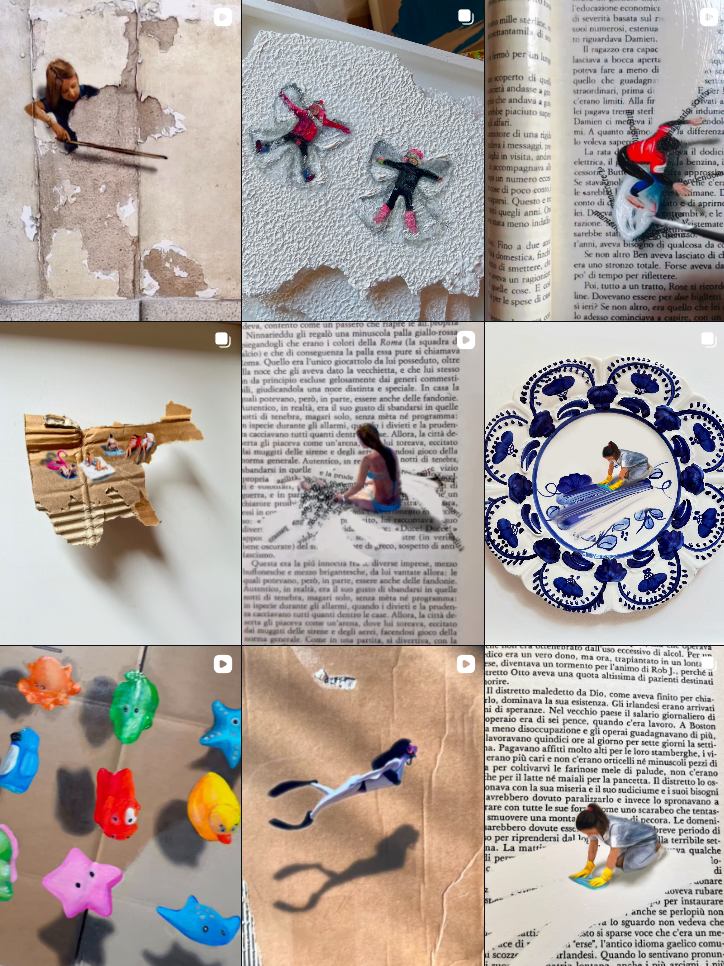
@golsa.golchini

